TM7 Application Installation
The following instructions will allow you to install the TM7 application. This should be done after SQL Express has been installed.
1. Click to download the TM7 Installer.
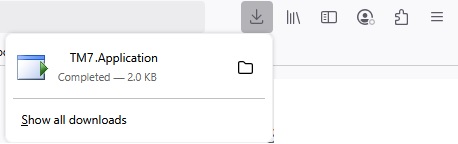
You may get a message warning about downloading Executables, Click OK
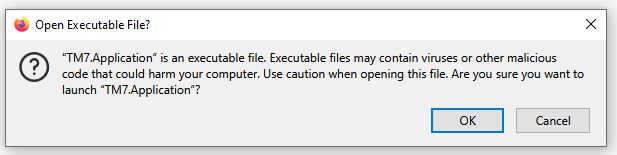
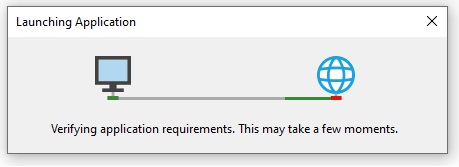
2. The application Install will start as shown
2. The Install dialog will open, Click Install
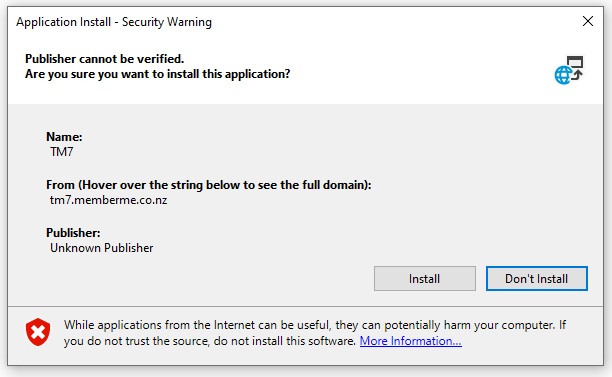
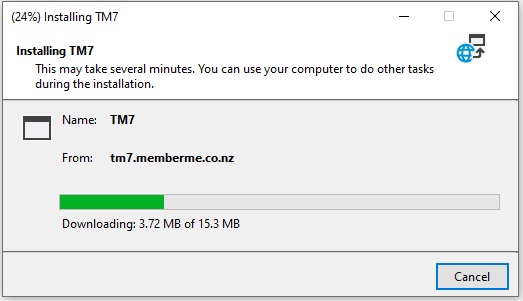
2.The Installer will run and complete installation
TM7 Application Updates
TM7 is a Click Once application. Each time the app is started it will check for updates and ask to update if required.
When starting the application if a dialog opens as shown, Select Ok to get latest version

TM7 Application Connection
Once the Installer has completed the application will open up to the database connection screen, with suggested settings.
These can be changed if required or if connecting to an already created server / database .

Once the connection has been established the Application is ready.